Tutorial (Jupyter Notebooks)

Introduction to notes, chords, voices, etc. Notation and playback

A recreation of Ockeghem’s Missa Prolationum showcasing how durations work

Most aspects of how maelzel handles notation and playback can be customized by modifying or creating
a configuration object (an instance of CoreConfig)

A workspace contains the current state: the active config, the active scorestrucutre, a playback engine, etc. Many actions, like note playback, notation, etc., use the active workspace to determine tempo, score structure, default playback instrument, etc.

In maelzel.core there is a division of concerns between music data (notes, chords, lines, voices, etc) and a
score structure (ScoreStruct). The score structure consists of a set of measure
definitions (time signature, tempo).

Most aspects of maelzel.core’s notation output can be modified. Not only is it possible to add spanners (slurs, brackets, lines), articulations, dynamics and many other symbols to notes and chords. Also color, size, text style, etc. can be customized.
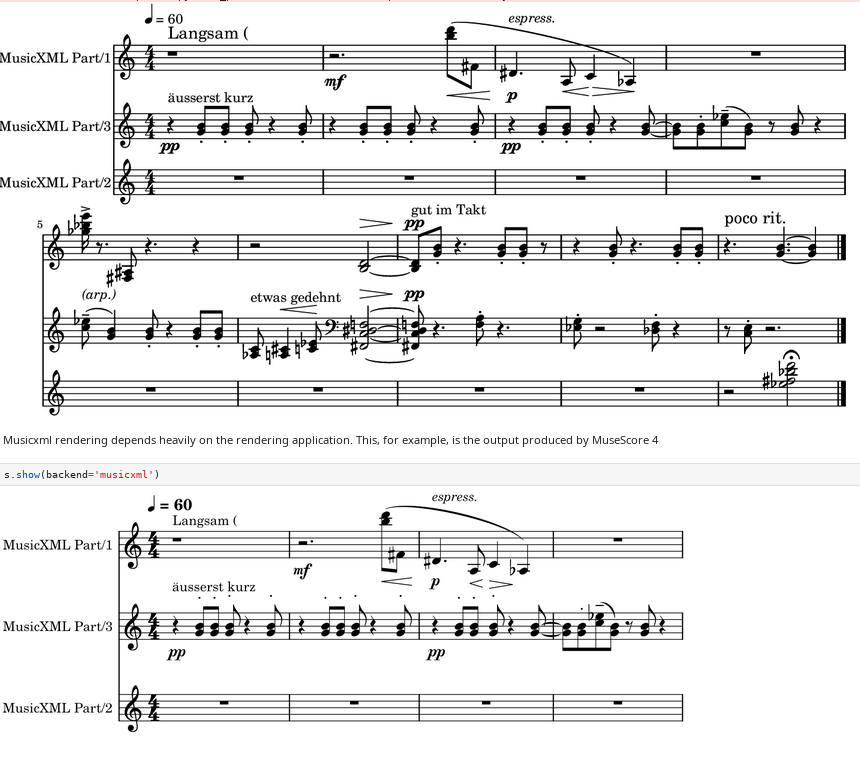
Shows the different output (pdf, png, midi, …) and input formats

maelzel can be used to create click-track and export is as audio and / or MIDI to any DAW to use it for performance